Today’s teams need flexibility, and Desktop as a Service (DaaS) delivers it. DaaS lets your team reach their desktops from anywhere, on any device. There’s no costly hardware and no complex on-site IT. Your desktops run in the cloud, so you can add resources as you grow, cut running costs, and keep data more secure.
Maybe you support a hybrid team. Maybe you just want simpler IT. Either way, DaaS gives you the speed, scale, and security to stay competitive. Read on to see how it can change the way you work.
Looking for a self-service DaaS plan?
flexidesktop offers Desktop as a Service plans from $19/month — full Windows cloud desktop, deployed in minutes, no IT required. Start your free trial and be up and running today.
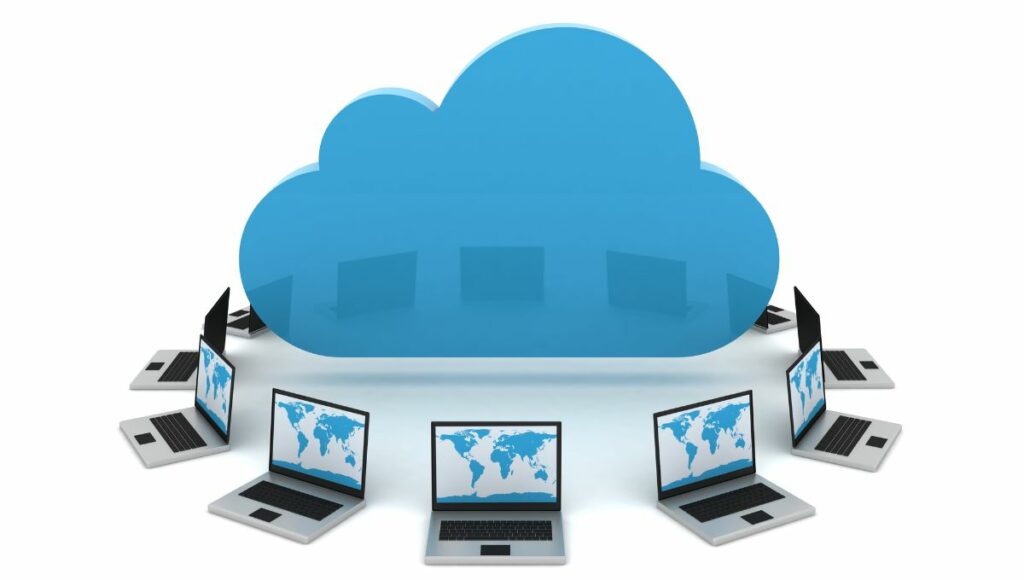
Desktop as a Service (DaaS) is a cloud-based solution that provides virtual desktops to users online. The cloud provider hosts each desktop — operating system and apps included — and runs the servers behind it. You can open your desktop from a PC, laptop, or tablet. It’s a flexible, secure way to work from anywhere. You also need far less hardware, so IT is easier to manage. That makes DaaS a strong fit for remote teams and any business that needs to scale access to its apps and data.
DaaS runs your virtual desktops on cloud servers managed by a provider. Each desktop streams to your device over a secure connection. You open it in a web browser or a small app. The provider handles the hard parts: security, updates, backups, and routine maintenance. Your team just focuses on the desktop setup and the apps.
This setup makes desktops easy to reach from any device. It also keeps performance steady by spreading the load across many servers. And you can scale resources up or down to match demand — without managing any hardware yourself.
Desktop as a Service (DaaS) solutions are available in two primary forms: persistent and nonpersistent desktops, each catering to specific operational needs.
Persistent Desktop
A persistent desktop keeps all your settings and files between sessions. You get the same setup every time you log in. This suits people like developers or IT staff who need their own tools and configuration. The trade-off: it costs more, because it uses more storage and upkeep.
Nonpersistent Desktop
A nonpersistent desktop resets to its default state after each use, so every session starts clean. It’s cheaper and works well for users who share apps and data but don’t need personal settings. It’s also simpler to manage and uses less storage.
Understanding the differences between Virtual Desktop Infrastructure (VDI) and Desktop as a Service (DaaS) is crucial for businesses considering virtual desktop options. VDI is typically hosted on-premises and managed directly by an organization’s IT department. This needs a big upfront spend on hardware, plus ongoing upkeep. You get full control of your desktops — but you pay more to manage them.
DaaS, by contrast, runs in the cloud and is managed by a provider. You skip most in-house hardware and gain more flexibility. You pay a subscription and scale up or down as needed — which usually makes DaaS more flexible and cheaper than VDI.
The main difference is setup and access. A traditional desktop needs physical hardware, like a CPU and monitor, so you can only use it in one place. That ties people to their office desks and limits how they work.
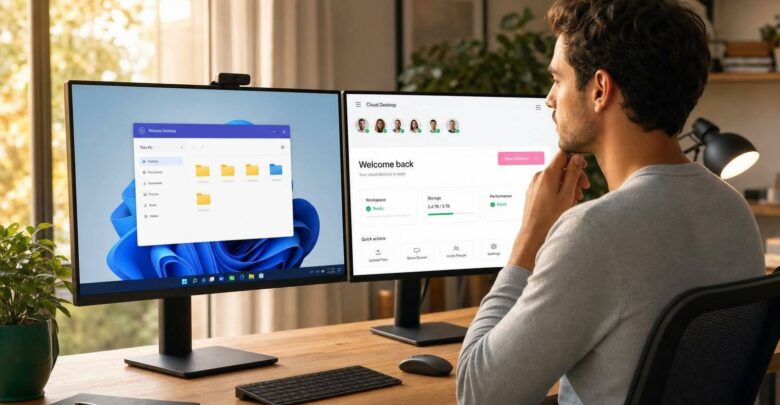
DaaS gives you a cloud desktop you can open from any device with internet. It’s far more flexible and easier to use. Move to DaaS and you cut hardware costs, tighten security, and support remote work — your team reaches their full workspace from anywhere.
To learn more about traditional desktops and virtual desktops, check out our detailed blog post on “PC vs VDI Cost Comparison“
DaaS offers many advantages for businesses, enhancing everything from security to scalability. These benefits make it an ideal solution for evolving IT infrastructure needs. Here are some key benefits:
Improved Device Security
DaaS centralizes data storage in secure cloud environments, where providers handle updates, patches, and threat management. This approach protects sensitive data, significantly reducing the risk of breaches, even if devices are lost or stolen.
Cost Efficiency
DaaS helps organizations cut upfront costs by eliminating the need for hardware purchases and ongoing maintenance. Its subscription model also supports predictable budgeting, simplifying financial management.
Simplified IT Management
DaaS optimizes IT operations by transferring infrastructure maintenance to service providers. It allows internal teams to focus on strategic initiatives rather than routine upkeep. This shift can significantly boost productivity.
Business Continuity and Disaster Recovery
DaaS solutions include strong disaster recovery features that enable quick service restoration during disruptions. This capability protects critical data and maintains uninterrupted business operations.
Scalability and Flexibility
DaaS allows businesses to adapt their solutions swiftly based on workforce changes, facilitating easy scaling without extensive infrastructure modifications. This adaptability is invaluable in dynamic business environments.
Supports BYOD (Bring Your Own Device)
DaaS supports flexible work models by allowing employees to use their personal devices to access secure virtual desktops. This approach reduces the need for company-issued hardware while ensuring corporate data security.
Multi-Device Accessibility
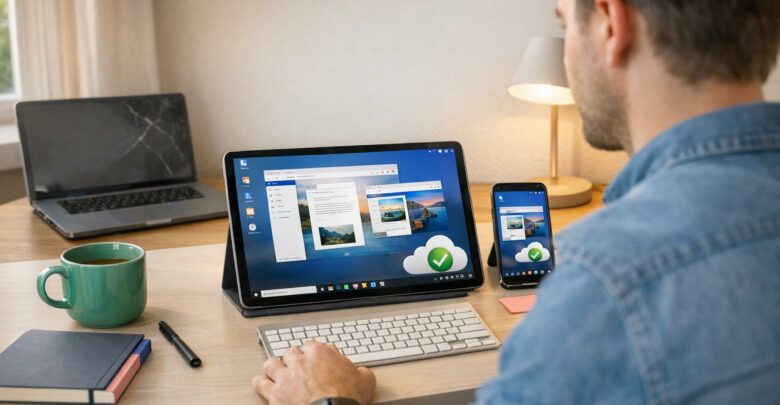
With DaaS, users can access their desktop environments from any device, including PCs, tablets, or smartphones. This feature provides consistent access and enhances productivity, regardless of location.
Integration with Existing Infrastructure
DaaS can be seamlessly integrated into existing IT frameworks, allowing businesses to utilize their current systems and tools while benefiting from the scalability and flexibility of cloud solutions.
Despite the many benefits Desktop as a Service (DaaS) offers, there are several drawbacks that businesses should consider before adoption. These disadvantages include:
Increased OS License Costs
DaaS usually means buying an operating system (OS) license for each user. Those fees add up over time, especially for larger teams. So you’ll need to plan the budget carefully.
Latency and Network Reliability
DaaS leans heavily on a stable internet connection. Where the network is weak, you may hit lag or even downtime, which slows people down. If your internet is unreliable, weigh this risk carefully.
Potential Data Privacy Concerns
Any cloud service, including DaaS, brings some data-privacy risk — more so if you handle sensitive data. Providers usually add strong security, but you still need to meet privacy rules and protect your data to prevent breaches or unauthorized access.
Desktop as a Service (DaaS) transforms organizations’ operations by providing flexible, scalable, and cost-effective desktop solutions. Its versatility makes it a valuable asset for various sectors, enhancing productivity and operational efficiency. Here are several key real-world applications of DaaS:
Small and Medium-Sized Businesses (SMBs)
DaaS gives small and mid-sized businesses advanced IT without a big upfront spend. They can roll out virtual desktops fast and let staff work from anywhere. That flexibility helps them compete with much larger companies.
Remote and Distributed Workforce
For remote and spread-out teams, DaaS gives secure desktop access from any location. People stay productive at home or on the move, with easy access to their apps and solid data security.
Industry-Specific Applications (healthcare, architecture, CAD)
Some fields need specialized software — think healthcare, architecture, or CAD. DaaS gives secure, reliable access to those apps. It handles heavy tasks and meets strict industry rules, so it fits sensitive or demanding workloads well.
Temporary or Seasonal Workforce
DaaS is great for temporary or seasonal staff. You can add desktops fast when demand spikes and remove them later — with no extra hardware to buy and easy resource control during busy periods.
Mergers and Acquisitions
During mergers and acquisitions, DaaS makes it easier to join IT systems on one cloud platform. Teams quickly get the desktops and apps they need, so the transition is smoother and avoids the delays of traditional hardware.
Choosing the right DaaS provider matters. Weigh a few key factors so the service fits your needs today and supports your growth later. Here’s what to check:
1. Understanding Business Needs
Start with your own needs: how many users, which apps, and what level of security. Then pick a provider that matches your goals and can scale and flex as you grow.
2. Evaluating Features and Performance
Look at each provider’s features and performance. Check how well it scales, how much you can customize, and how strong its security is. Make sure it promises high uptime and fast response times so your day-to-day work runs smoothly.
3. Cost Considerations
Compare the pricing of each option. Know every cost up front: the subscription, plus any add-ons or support fees. Pick flexible plans that scale with you, so it stays affordable now and later.
4. Support and Service Availability
Check the support each provider offers. Look for 24/7 help by phone, chat, or email. Reliable support fixes problems fast, cuts downtime, and keeps your business running.
5. Integration and Compatibility
Ensure the DaaS solution perfectly integrates with your IT infrastructure, applications, and tools. Compatibility is essential for a smooth transition to cloud services and for avoiding disruptions to your business processes and workflows.
Ready to try Desktop as a Service?
flexidesktop’s Desktop as a Service plans start at $19/month — full Windows cloud desktop, self-service, no IT department needed. Try it free with no commitment.
Desktop as a Service (DaaS) is rapidly becoming the preferred solution for businesses that prioritize flexibility, scalability, and cost-efficiency. Industry forecasts suggest nearly 80% of virtual desktops will run through DaaS by 2024 — up from just over 30% in 2021. That’s fast growth, and it points to the expanding global market size, forecast, and trend of DaaS solutions.
As more companies adopt remote work, DaaS stands out as a way to run leaner, simpler operations. It gives secure remote access, lowers IT overhead, and scales fast as needs change. DaaS isn’t just a tool for today — it’s an investment in a more flexible future.
Israel de la Torre is the founder of flexidesktop and has spent 15+ years working in cloud infrastructure and Windows virtualization. He helps businesses migrate from on-premises Windows setups to managed cloud desktops.