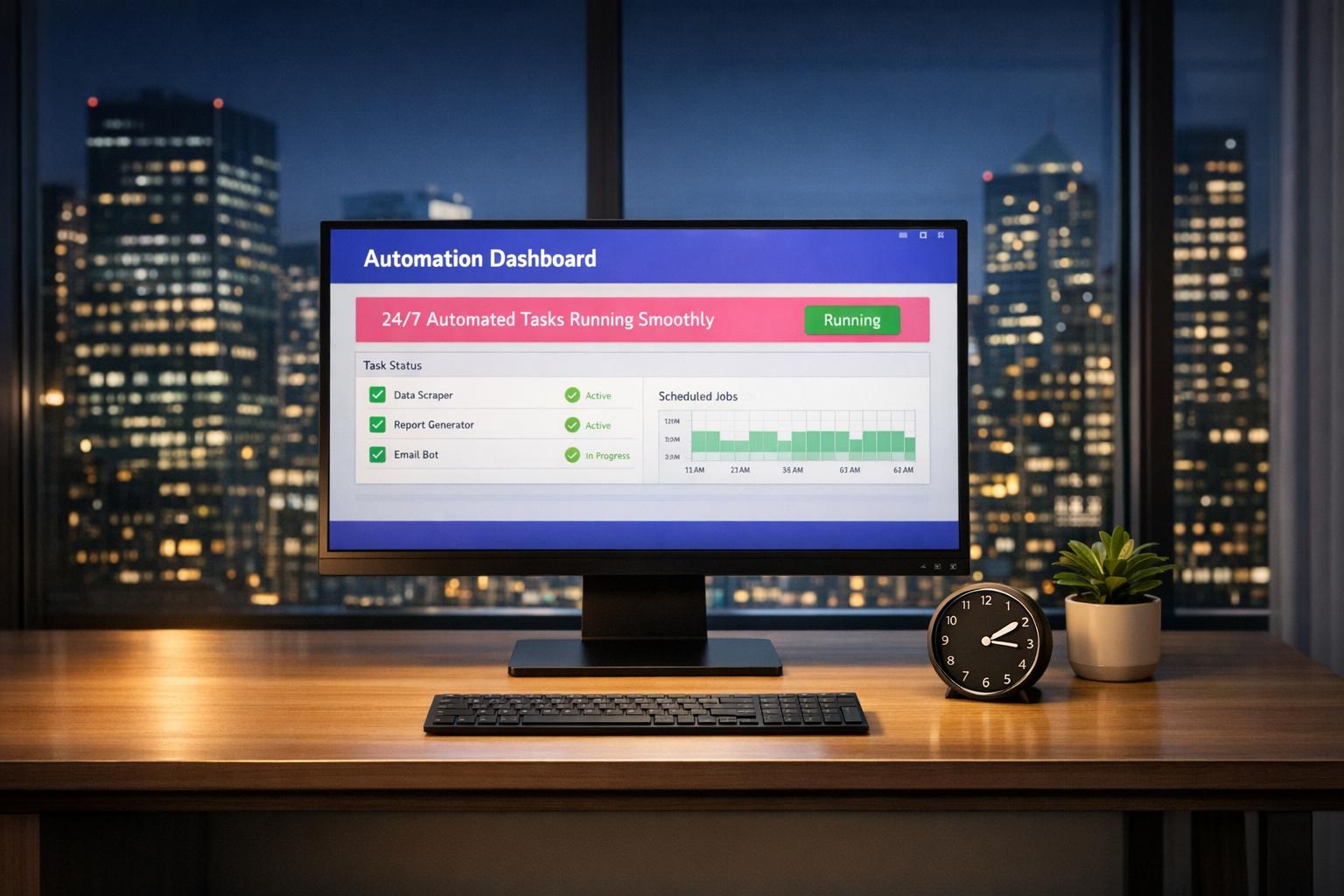
Running automation scripts or bots continuously on a personal computer leads to the same problems every time: sleep mode kicks in, your internet drops, an OS update reboots the machine at 3am, and your workflow is broken. For genuinely uninterrupted 24/7 operation, you need a hosting environment built for it. Here’s a quick breakdown of your options:
- Local Machine: Simple to start but unreliable for long-term tasks due to power, internet, and hardware limitations.
- Linux VPS: Affordable and dependable for command-line tasks but lacks GUI and Windows app support.
- Windows VPS: Full Windows compatibility but requires technical setup and is more expensive.
- Cloud Windows Desktop: Combines ease of use, full GUI access, and uninterrupted uptime — ideal for running bots, RPA tools, or Windows-specific automation.
Quick Comparison:
| Feature |
Local Machine |
Linux VPS |
Windows VPS |
Cloud Windows Desktop |
| Setup Difficulty |
Moderate |
High |
Moderate/High |
Very Low |
| GUI Support |
Native |
None (CLI only) |
Yes (via RDP) |
Yes (Browser/RDP) |
| Windows App Support |
Native |
Low (via Wine) |
High |
High (Native) |
| Reliability |
Low |
High |
High |
High (24/7) |
| Static IP |
Usually Dynamic |
Available |
Available |
Available |
| Cost (Monthly) |
Variable |
$5–$25 |
$49+ |
$19–$109 |
1. Local Machine
Running bots on your personal computer might seem like the easiest option — it’s already there, after all. But when it comes to handling automation tasks around the clock, this setup has serious drawbacks.
Setup Difficulty
Getting a local machine ready for non-stop automation takes more than just turning it on. You’ll need to disable sleep mode, prevent automatic shutdowns, and configure power settings to keep it running continuously. Consumer PCs are designed with aggressive power-saving features, and unexpected OS updates can stop scripts dead in their tracks — often at the worst possible time.
Reliability
Local machines depend entirely on your home internet and power supply. A brief outage, a power surge, or a forced restart can bring everything to a halt. Consumer-grade hardware also isn’t built for continuous operation, which adds wear and increases failure risk over time.
Cost
Running a PC 24/7 is not free. Beyond the upfront hardware cost ($500–$2,000), you’re looking at $10–$30/month in electricity, plus the accelerated wear on components. For long-term automation, this adds up faster than most people expect.
Best Use Case
Local machines are fine for short-term tasks, workflow testing, or jobs that require direct access to local hardware like printers or scanners. For anything requiring 24/7 reliability, the limitations make them a poor choice.
2. Linux VPS
A Linux VPS is the go-to option for developers comfortable in the terminal. It’s affordable, reliable, and runs non-stop — but it demands command-line knowledge and has no native support for graphical interfaces or Windows applications.
Setup Difficulty
Setting up a Linux VPS requires configuring the OS, setting up SSH keys, and running terminal commands before you can deploy anything. If you’re not fluent in Linux, the learning curve is steep. It’s a process traditionally reserved for developers with server experience.
GUI Support
Linux VPS environments are built around the command line. If your automation requires visual tools — screen scraping, RPA software, or browser automation with a visible UI — you’d need to manually install a desktop environment like XFCE or GNOME, which adds complexity and overhead.
Windows App Compatibility
Linux VPS servers don’t natively support Windows-only software like Power Automate Desktop, AutoHotkey, or most trading tools. Workarounds like Wine exist but add complexity and unreliability — which defeats the purpose of a simple, stable automation environment.
Reliability
This is where Linux VPS shines. These servers are designed for 24/7 uptime. If a Python script crashes, you can configure it to restart automatically. Providers like DigitalOcean and Linode offer entry-level plans from $5/month, making this a cost-effective option for terminal-based workloads.
Best Use Case
Ideal for Python scripts, API calls, web scraping with Scrapy or Requests, and cron jobs — provided you’re comfortable in a terminal and don’t need a GUI or Windows apps.
3. Windows VPS
A Windows VPS offers a complete Windows environment with GUI support, making it suitable for Windows-specific automation. It combines desktop familiarity with 24/7 uptime — but the setup process is significantly more involved than a cloud desktop.
Setup Difficulty
Setting up a Windows VPS involves OS installation, RDP or VNC configuration, firewall and security management, and often VPN setup. Unlike cloud desktops which are ready to use in minutes, a traditional Windows VPS can take hours to configure correctly — and troubleshooting connection or security issues adds further complexity.
GUI Support
Full GUI access via RDP is a key advantage. This makes it practical for Power Automate Desktop, UiPath, Selenium-based frameworks, and other visual automation tools that simply don’t run on Linux without significant workarounds.
Windows App Compatibility
With administrator access you can install any Windows-compatible software — automation tools, trading platforms, RPA solutions, legacy business applications. If your workflow depends on Windows-only software, a Windows VPS handles it natively.
Reliability
Windows VPS environments are built for continuous operation. One caveat: some providers suspend idle sessions, which can disrupt workflows. When evaluating providers, confirm they offer always-on operation without automatic shutdowns.
Cost
Entry-level Windows VPS plans start around $49/month, significantly higher than Linux alternatives. The premium reflects the Windows licence and GUI support. For users who genuinely need Windows-specific functionality, it’s justified — but it’s expensive for occasional use.
Best Use Case
Best suited for experienced users who need full Windows compatibility and are comfortable managing server configurations. Good for Selenium or Playwright browser automation, UiPath, trading bots, or legacy Windows software — provided you have the technical skills to set it up.
4. Cloud Windows Desktop
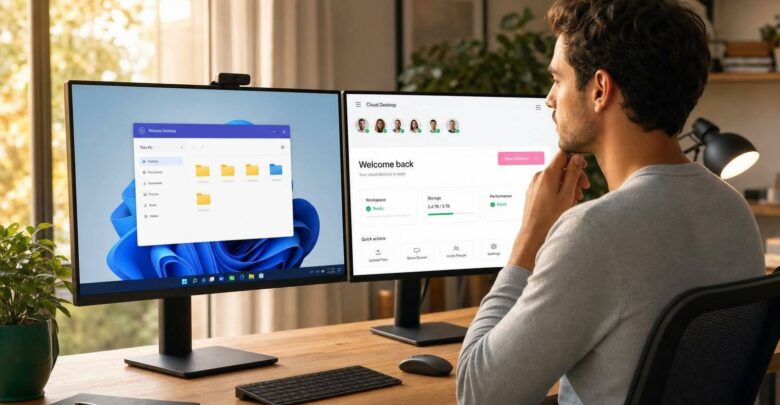
Cloud Windows desktops offer a full Windows 10 or 11 Pro environment that’s ready in minutes — no server configuration, no command-line setup, no SSH key management. You log in through any browser, install tools exactly as you would on a local PC, and your scripts keep running even after you close the browser.
Setup Difficulty
Sign up, and you have immediate full administrator access to a pre-configured Windows desktop running in the cloud. The provider manages infrastructure, security, and uptime. No VPNs, no firewall configuration, no OS setup required.
“I need a quick easy solution to run a program that only worked on a certain version of Windows 10 and with one click it just worked. I tried for hours to get it to work on my VM on my personal computer and with no success.” — Frankie Viti, verified customer on Trustpilot
GUI Support
The full Windows desktop interface is accessible via browser or Remote Desktop Client. You can run Power Automate Desktop, UiPath, Selenium IDE, or any visual automation tool exactly as you would locally — no workarounds, no emulation layers.
Windows App Compatibility
With full administrator rights you can install any Windows-compatible software. This includes trading bots, RPA tools like AutoHotkey, browser automation frameworks, and Windows-only business applications.
One increasingly common use case among developers is running AI coding agents autonomously. Claude Code, Anthropic’s command-line AI agent, is being used by developers on cloud Windows desktops to autonomously write, test, and execute code 24/7 — without tying up a local machine or worrying about sleep mode interrupting a long-running task. A persistent cloud Windows desktop built for automation workloads is a natural fit for this kind of always-on AI agent workflow.
Reliability
Cloud desktops are designed to stay online around the clock. They don’t suspend due to inactivity, so your automation scripts keep running even when you’re completely offline. Web scraping, customer service bots, persistent databases, trading automation, social media schedulers — all run without interruption regardless of what’s happening on your local machine.
Static IP
Most cloud desktop providers include a static IP address. You can often choose data centre locations across the USA, Europe, or Asia, ensuring low latency and compliance with regional IP requirements — critical for scraping, API whitelisting, and social media automation.
Cost
Entry-level plans start at $19/month (1 vCPU, 2GB RAM, 40GB SSD) for light automation. A mid-range plan at $39/month (3 vCPU, 8GB RAM, 80GB SSD) suits most bot and automation workloads. High-performance plans at $109/month (8 vCPU, 24GB RAM, 120GB SSD) handle heavy concurrent automation. Multi-user Windows Server 2025 environments start at $49/month. Most providers offer a 3-day free trial with no credit card required.
Best Use Case
Cloud Windows desktops are ideal for developers, indie hackers, and small business owners who need a reliable 24/7 Windows GUI environment without the complexity of server management. Whether you’re running Selenium or Playwright browser automation, UiPath or Power Automate Desktop, Windows-only trading bots, social media schedulers, or AI coding agents like Claude Code — cloud desktops provide the reliability and simplicity needed for continuous, unattended operation.
Comparison Table: All Options Side by Side
| Feature |
Local Machine |
Linux VPS |
Windows VPS |
Cloud Windows Desktop |
| Setup Difficulty |
Manual/Moderate |
High (Technical) |
Moderate/High |
Very Low (Instant) |
| GUI Support |
Native |
None (CLI only) |
Yes (via RDP) |
Yes (Browser/RDP) |
| Windows App Compatibility |
Native |
Low (requires Wine) |
High |
High (Native) |
| Always-On Reliability |
Low (sleep/power risks) |
High |
High |
High (24/7 guaranteed) |
| Static IP |
Usually Dynamic |
Available |
Available |
Available |
| Monthly Cost |
Variable (energy + hardware) |
$5–$25 |
$49+ |
$19–$109 |
| Best Use Case |
Testing/one-off tasks |
Python scripts/scrapers |
Enterprise Windows apps |
24/7 bots/non-technical users |
Which Option Should You Choose?
Use your local machine for testing automation workflows before deploying them, or for one-off tasks where 24/7 uptime isn’t required. It’s free and immediate, but not built for continuous operation.
Choose a Linux VPS if you’re comfortable with SSH and terminal commands, and your automation is headless — Python scripts, API polling, Discord bots, cron jobs, web scrapers that don’t need a GUI. At $5–$25/month it’s the most cost-effective option for this profile.
Go with a Windows VPS if you need full Windows compatibility and have the technical skills to manage server configuration. Starting at $49/month, it’s the right choice for experienced users running enterprise Windows applications or complex RPA deployments.
Pick a cloud Windows desktop if you need a persistent GUI-based Windows environment with zero server management. Starting at $19/month, it’s the most accessible option for running Power Automate Desktop, UiPath, trading bots, browser automation, or AI agents like Claude Code — continuously, without interruption, from any device.
FAQs
Will my bots keep running if I disconnect from RDP or close my browser?
On a standard remote desktop session, most processes pause or stop when the session ends. On a persistent cloud desktop, the environment stays active even when you disconnect — your bots, scripts, and agents keep running regardless of whether you’re connected. This is the key difference between a cloud desktop and a basic VPS with RDP: the session persistence is built in and guaranteed.
How do I choose the right CPU/RAM plan for my automation workload?
For simple automation — basic scripts, light browser tasks, single-bot workflows — 2 vCPU and 4GB RAM is sufficient. For browser automation with multiple instances, RPA tools, or AI coding agents running concurrently, aim for at least 4 vCPU and 8–16GB RAM. The $39/month mid-range plan (3 vCPU, 8GB RAM) covers most automation use cases comfortably. Start there and upgrade if you notice performance constraints.
How do I keep a static IP and avoid IP blocks while automating?
Cloud desktop providers assign a dedicated static IP to your environment. Unlike home internet (where your IP rotates) or shared hosting (where IPs are flagged quickly), a dedicated static IP from a reputable data centre is less likely to be blacklisted. You can also choose your data centre region to match the geographic requirements of your target services — useful for scraping, API whitelisting, or social media automation platforms that restrict access by region.
Israel de la Torre is the founder of flexidesktop and has spent 15+ years working in cloud infrastructure and Windows virtualization. He helps businesses migrate from on-premises Windows setups to managed cloud desktops.