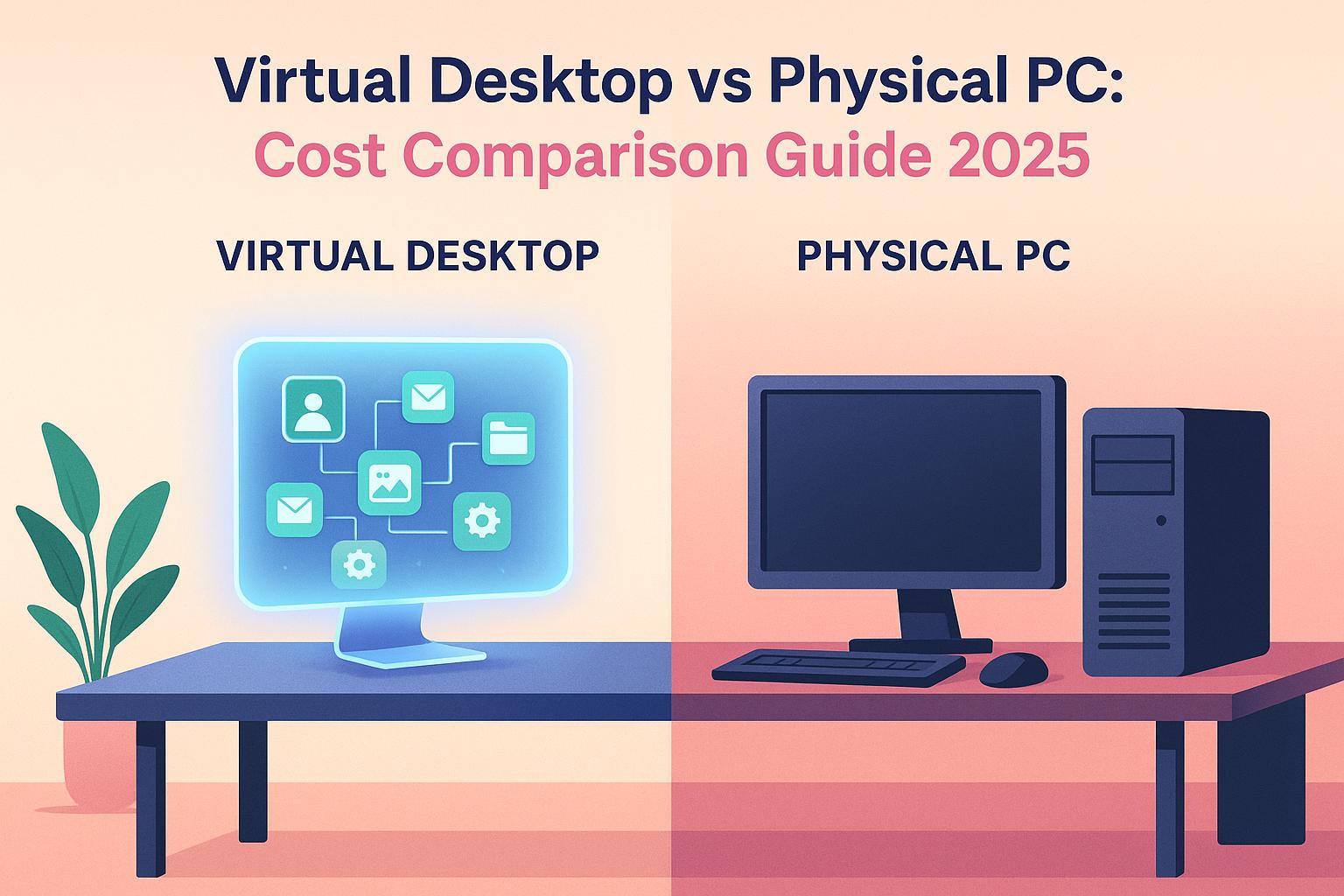
Compare the 4-year cost of virtual desktops vs physical PCs in 2026, including upfront spend, maintenance, scalability, and hidden IT overhead.
Are virtual desktops really cheaper than physical PCs? The honest answer isn’t the sticker price — it’s the full four-year cost of ownership: setup, maintenance, upgrades, IT support, backup, and how fast you can scale.
What actually drives the cost difference:
Upfront hardware Physical PCs need capital outlay every few years; cloud desktops shift this to a predictable monthly fee.
Maintenance & IT Patching, repairs, and replacements add hidden operational cost to physical fleets.
Scalability Virtual desktops scale up or down on demand — no buying or retiring hardware.
Backup & continuity Cloud desktops include automated backups; physical PCs put that burden on you.
Bottom line: for many small and mid-sized teams, virtual desktops are easier to budget and cheaper over four years. Physical PCs still make sense for specific local-hardware needs, but usually carry higher operational overhead.
Updated for 2026. If you also want the breakdown of what VDI itself costs — Azure, AWS and on-prem pricing, plus the fees vendors don’t put on the first page — see Hidden Costs in VDI Pricing.
If you are deciding between virtual desktops and physical PCs, the real question is not only hardware price. It is the full four-year cost of ownership: setup, maintenance, upgrades, IT support, backup, flexibility, and how fast your team can scale. If you are new to the concept, our guide on what a virtual desktop is covers the fundamentals before you compare costs.
Short answer: for many small and mid-sized teams, virtual desktops are easier to budget, easier to manage, and cheaper over four years than business PCs. Physical PCs can still make sense for very specific local hardware requirements, but they usually come with higher operational overhead.
📊 Quick Comparison
Category
Virtual Desktop
Physical PC
Initial cost
$0 upfront
~$1,150 per device
Monthly cost (5 users)
$145
N/A
4-year cost (5 users)
$6,960
$15,000
4-year cost (100 users)
$211,200
$300,000
Maintenance
Included
~$350 per device per year
Hardware refresh
Not required
Typically every 4 years
Scalability
Fast and predictable
Slower and hardware-dependent
Virtual Desktop vs Physical PC — Cost Calculator
Enter your team size and time horizon to estimate your total cost per seat.
Adjust assumptions
Physical PCs
$15,000
over 4 years
$1,500 / seat
Virtual Desktops
$13,920
over 4 years
$1,392 / seat
You could save $1,080(7%) with virtual desktops.
Estimates for guidance only. Physical-PC cost includes purchase, annual maintenance and one hardware refresh within the horizon.
See full pricing →
That does not mean virtual desktops win in every scenario. But when businesses care about predictable operating costs, remote access, centralized management, and easier onboarding, they usually have a strong financial advantage.
📋 Assumptions
To keep the comparison practical, this article uses two simple scenarios:
Small team: 5 users on a standard business setup.
Mid-sized team: 100 users on a more demanding business setup.
For virtual desktops, the model assumes monthly per-user pricing with backups, updates, security patches, support, and infrastructure maintenance included. For physical PCs, the model includes hardware, software licensing, setup, annual maintenance, and a four-year refresh cycle.
Important: the physical PC numbers below are still conservative. They do not fully price downtime, spare devices, office storage, shipping, or the cost of slower onboarding when new employees or contractors join.
☁️ Virtual Desktop Costs in 2026
Virtual desktops are usually easier to forecast because the cost model is subscription-based. Instead of paying a large upfront amount for each workstation, you spread the cost over time and include more of the operational work in the service itself.
For a small team of 5 users, a standard setup at $29 per user per month looks like this:
Time period
Cost (5 users)
Monthly
$145
Yearly
$1,740
4 years
$6,960
This example assumes a typical business configuration with 2 vCPUs, 4 GB RAM, and 40 GB SSD storage. It also includes:
daily automated backups
system updates and security patches
technical support
infrastructure maintenance
hardware refresh handled by the provider
For a 100-user team, costs depend on the performance profile you need. In this comparison, we use a setup at $39 per user per month plus $5 per user per month for Microsoft Office.
Component
Monthly cost per user
Total monthly (100 users)
Base virtual desktop
$39
$3,900
Microsoft Office
$5
$500
Total
$44
$4,400
That works out to $52,800 per year and $211,200 over four years.
The biggest financial advantage is not only the absence of upfront hardware purchases. It is that support, patching, backup, and scaling become much more predictable.
🖥️ Physical PC Costs in 2026
Physical PCs look cheaper at first because the subscription line item is not visible. But the total cost of ownership accumulates through hardware purchases, IT support, software, maintenance, and replacement cycles. The same hidden-cost pattern applies to on-premise servers — see our breakdown of the real cost of running an on-premise RDS server if you are weighing a shared multi-user setup instead.
For a standard business PC in 2026, here is a reasonable starting point per device:
Initial setup cost per PC
Amount
Hardware
$850
Microsoft Office license
$200
Setup and configuration
$100
Total initial cost
$1,150
Then add annual maintenance:
Annual maintenance item
Cost per PC
IT support and repairs
$300
Software upkeep and patching
$50
Total annual cost
$350
Using that model, a 5-PC business spends:
Year
Expense type
Total cost
Year 1
Initial setup
$5,750
Year 2
Annual maintenance
$1,750
Year 3
Annual maintenance
$1,750
Year 4
Hardware renewal
$5,750
4-year total
$15,000
For a 100-PC environment, the same logic produces:
Year
Expense type
Total cost
Year 1
Initial setup
$115,000
Year 2
Annual maintenance
$35,000
Year 3
Annual maintenance
$35,000
Year 4
Hardware renewal
$115,000
4-year total
$300,000
Again, these are still conservative. They do not fully reflect lost productivity from device failures, inconsistent environments, delayed provisioning, or the operational overhead of supporting distributed teams.
⚖️ 4-Year Cost Comparison
With consistent assumptions, the headline comparison becomes clearer.
Small team: 5 users
Solution
Total 4-year cost
Virtual desktop
$6,960
Physical PC
$15,000
Difference
$8,040 less with virtual desktops
Mid-sized team: 100 users
Solution
Total 4-year cost
Virtual desktop
$211,200
Physical PC
$300,000
Difference
$88,800 less with virtual desktops
The gap is not just a pricing story. It is also an operations story. A lower-friction environment often means lower IT workload, faster onboarding, and fewer surprise expenses.
Another angle: replacing an aging 10-PC office
The numbers above use a $1,150 all-in cost per PC. If you run an older fleet where machines were cheaper ($800 hardware, ~$250/yr maintenance, $100/yr backup), a 10-seat office still ends up paying about $30,000 over four years once you factor in a mid-cycle hardware renewal. The equivalent 10 virtual desktops in the same model come to roughly $15,800 — a 47% saving, and that is before counting downtime or the IT hours spent imaging and shipping machines.
Horizon
10 physical PCs
10 virtual desktops
Saving
1 year
$11,500
$3,960
66%
2 years
$15,000
$7,920
47%
4 years
$30,000
$15,840
47%
🔧 Operational Differences That Affect Real Cost
Cost comparisons are easy to distort when they ignore operational reality. These are the practical differences that often change the decision.
Why virtual desktops often win
Centralized management: updates, access, and security are handled in one place.
Predictable budgeting: monthly pricing is easier to forecast than refresh cycles and repair events.
Faster onboarding: a new user can start with a ready environment instead of waiting for hardware setup.
Scalability: resources can be adjusted without replacing devices across the whole team.
Remote work support: users can access the same environment from different locations.
When physical PCs still make sense
Very specific local hardware dependencies that are difficult to virtualize.
Edge cases with offline-only workflows where constant connectivity is not realistic.
Organizations already optimized for local infrastructure and willing to absorb the management overhead.
For many standard business roles, though, those cases are the exception rather than the rule.
✅ Conclusion
If your main criteria are predictable cost, easier management, and flexibility, virtual desktops usually beat physical PCs over a four-year horizon.
For a small team, the model above shows a saving of $8,040 over four years. For a 100-user team, the difference rises to $88,800. That does not even include the softer but very real savings from faster deployment, easier support, and fewer infrastructure surprises.
In many business scenarios, yes. Virtual desktops usually reduce upfront hardware spending and turn support, maintenance, backup, and scaling into a more predictable operating cost.
What is the 4-year cost of a virtual desktop vs a physical PC?
In the model used here, 5 virtual desktop users cost $6,960 over four years, compared with $15,000 for 5 physical PCs. For 100 users, the comparison is $211,200 vs $300,000.
Why do physical PCs often end up costing more?
Because the total cost includes more than the purchase price. You also have to account for setup, software, IT support, repairs, maintenance, and periodic replacement.
When should a business still choose physical PCs?
Physical PCs may still be the right choice for specialized local hardware needs, offline-first environments, or edge cases where a cloud-hosted workspace is not a good fit.
Israel de la Torre is the founder of flexidesktop and has spent 15+ years working in cloud infrastructure and Windows virtualization. He helps businesses migrate from on-premises Windows setups to managed cloud desktops.
Compare remote-access apps and cloud desktops to choose the right RDP alternative—use remote tools for occasional access or cloud PCs for always-on team work.
To provide the best experiences, we use technologies like cookies to store and/or access device information. Consenting to these technologies will allow us to process data such as browsing behavior or unique IDs on this site. Not consenting or withdrawing consent, may adversely affect certain features and functions.
Functional
Always active
The technical storage or access is strictly necessary for the legitimate purpose of enabling the use of a specific service explicitly requested by the subscriber or user, or for the sole purpose of carrying out the transmission of a communication over an electronic communications network.
Preferences
The technical storage or access is necessary for the legitimate purpose of storing preferences that are not requested by the subscriber or user.
Statistics
The technical storage or access that is used exclusively for statistical purposes.The technical storage or access that is used exclusively for anonymous statistical purposes. Without a subpoena, voluntary compliance on the part of your Internet Service Provider, or additional records from a third party, information stored or retrieved for this purpose alone cannot usually be used to identify you.
Marketing
The technical storage or access is required to create user profiles to send advertising, or to track the user on a website or across several websites for similar marketing purposes.
To provide the best experiences, we use technologies like cookies to store and/or access device information. Consenting to these technologies will allow us to process data such as browsing behavior or unique IDs on this site. Not consenting or withdrawing consent, may adversely affect certain features and functions.
Functional
Always active
The technical storage or access is strictly necessary for the legitimate purpose of enabling the use of a specific service explicitly requested by the subscriber or user, or for the sole purpose of carrying out the transmission of a communication over an electronic communications network.
Preferences
The technical storage or access is necessary for the legitimate purpose of storing preferences that are not requested by the subscriber or user.
Statistics
The technical storage or access that is used exclusively for statistical purposes.The technical storage or access that is used exclusively for anonymous statistical purposes. Without a subpoena, voluntary compliance on the part of your Internet Service Provider, or additional records from a third party, information stored or retrieved for this purpose alone cannot usually be used to identify you.
Marketing
The technical storage or access is required to create user profiles to send advertising, or to track the user on a website or across several websites for similar marketing purposes.